Hot reload
Relic supports hot reloading of route handlers when running with the VM service enabled. This allows you to modify your route handlers and see the changes immediately without restarting the server.
Enabling hot reload in your IDE
Open the settings for the Dart plugin in your IDE and and make sure that Hot Reload On Save is enabled. Typically, this is set to manual which will trigger hot reload when you save your file.
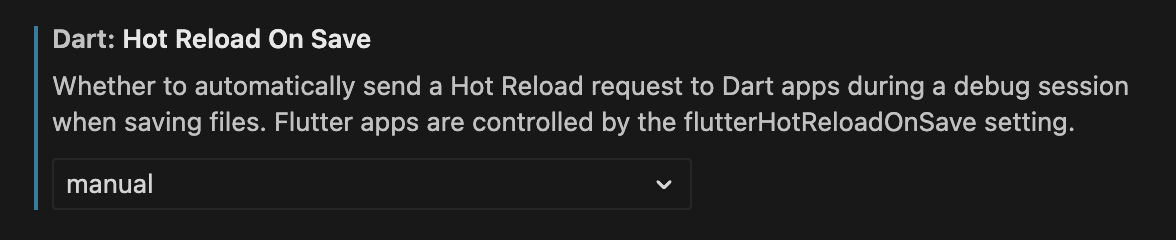
Or, if you prefer, you can edit the settings.json directly:
"dart.hotReloadOnSave": "manual",
Now, start the server in Debug mode from your IDE. This will enable the VM service and your IDE will be able to connect to it.
Enabling hot reload through the command line
-
Start your server with the VM service enabled:
dart run --enable-vm-service bin/example.dart -
Connect to the VM service using the link displayed in the terminal.
How it works
- When a hot reload is triggered,
RelicAppautomatically reconfigures its internal router with the latest route definitions. - This works for changes to route handlers and route configurations.
- Changes to server state or global variables may still require a full restart.